


More than half of website visits now come from mobile devices, so your estate agency can’t afford to make phone users work to find a property. A mobile-responsive site adjusts to each screen, helping buyers browse listings, view photos and contact you without pinching or zooming. It can also improve your visibility in local search results. But a responsive layout is only the starting point—how well does your site turn a mobile visit into an enquiry?
What Makes an Estate Agency Website Mobile-Responsive?
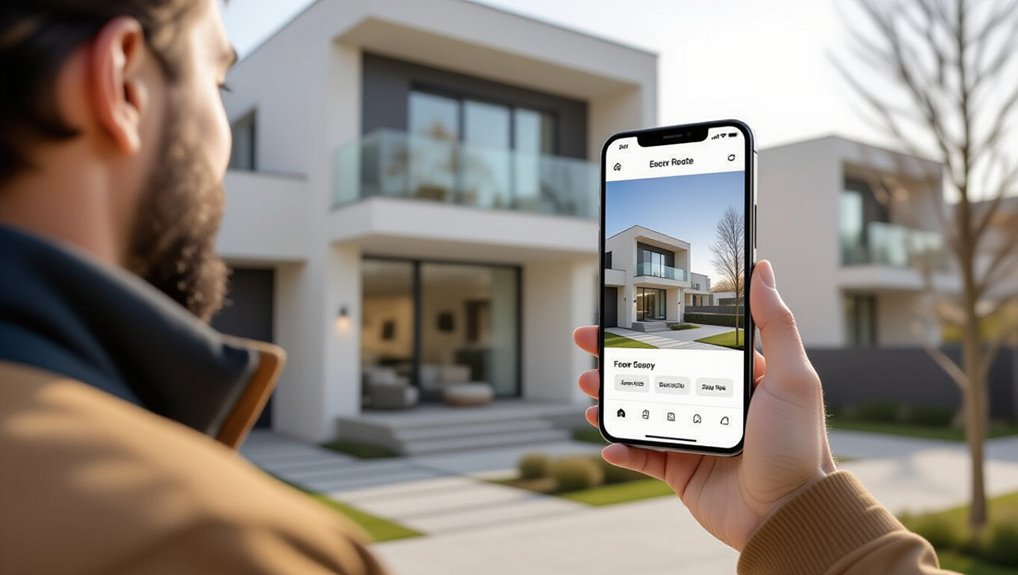
A mobile-responsive estate agency website automatically adapts to the screen it’s viewed on, keeping property listings, photos and contact details easy to use on phones and tablets. It also adjusts text, menus and buttons so you can read content and navigate without pinching, zooming or struggling with tiny controls.
Behind the scenes, flexible layouts and appropriately sized images help pages load and display reliably across devices. Clear headings, readable fonts and accessible colour contrast make essential information easier to understand.
Responsive design supports local SEO, too, because search engines can assess one consistent website across screen sizes. You can also present Pricing strategies, service details and agent credentials clearly, helping visitors understand your expertise.
Test your site on different devices and browsers to catch layout problems early. A dependable mobile experience reflects professionalism and makes it easier for you to build trust from the first visit.
Help Buyers Browse Property Listings on Mobile
Once your site works smoothly on mobile, buyers can browse property listings wherever they are. Make it easy for them to search by location, price, property type, and other useful criteria. Clear filters help buyers narrow results quickly, while map-based search lets them compare homes across areas without losing their place.
Guarantee your listings update promptly, so buyers don’t waste time contacting you about properties that are no longer available. Save and share features let users return to promising options or send them to family and advisers.
You can also connect listings with Virtual tours, helping buyers explore homes remotely, and Neighborhood guides, giving them practical context about nearby amenities and local life. Keep navigation straightforward, and buyers can move from broad searches to relevant properties with less effort on any device.
Make Property Photos and Details Easy to View
When buyers open a listing on their phones, clear photos and readable details help them assess a property without pinching, zooming, or hunting for key information. A responsive layout should display images at the right size, let visitors swipe through a gallery, and keep captions easy to read.
You can help buyers compare homes by presenting price, room count, floor area, and key features in a clear, consistent format. Break longer descriptions into short sections, with enough spacing to prevent crowded text on smaller screens.
A well-integrated Virtual tour lets visitors explore rooms at their own pace, while an Interactive map shows the property’s location and nearby amenities. Test each listing on different devices to check that images load properly, details remain legible, and essential information stays easy to find.
Turn Mobile Visits Into Buyer and Seller Enquiries
Clear property details help mobile visitors decide whether a home suits them. Simple enquiry options make it easy to take the next step. Give buyers clear ways to request a viewing, ask about a listing, or arrange a callback.
A prominent contact form should request only essential details, so visitors can send an enquiry without hesitation. Add a Virtual tour where available, then invite interested buyers to contact you for further information or an in-person visit.
For sellers, explain your valuation service and provide a direct option to book an appraisal. Display your phone number and email address clearly, and make sure each enquiry reaches the right team member.
Relevant customer testimonials can reinforce your credibility and help visitors feel confident contacting you. Prompt, personal follow-up turns those enquiries into meaningful conversations.
Improve Mobile Website Speed and Usability
Mobile visitors won’t wait for a slow page to load, so keep images compressed, limit unnecessary scripts and choose reliable hosting. These steps help property listings appear quickly, even on weaker connections.
You should also design clear menus, readable text and large tap targets so visitors can browse comfortably on smaller screens.
Make essential details easy to find: price, location, key features and a direct route to contact you. A simple search filter helps buyers narrow results without repeated loading or confusing controls.
Test pages across different devices and connection speeds, then fix issues that slow browsing or block enquiries.
Virtual tours and Augmented reality can enrich property searches, but use them carefully. Offer lightweight previews, let visitors choose when to launch interactive features, and provide photos and descriptions as alternatives.
This keeps your site useful, accessible and responsive.
Conclusion
A mobile-responsive estate agency website helps you meet buyers and sellers wherever they are. When visitors can browse listings, view property details and contact you without pinching or waiting, they’re more likely to stay and enquire. A fast, clear experience also supports your visibility in local search results. Think of your website as your digital front door: make it welcoming on every screen, and you’ll give more potential clients a reason to step inside.