
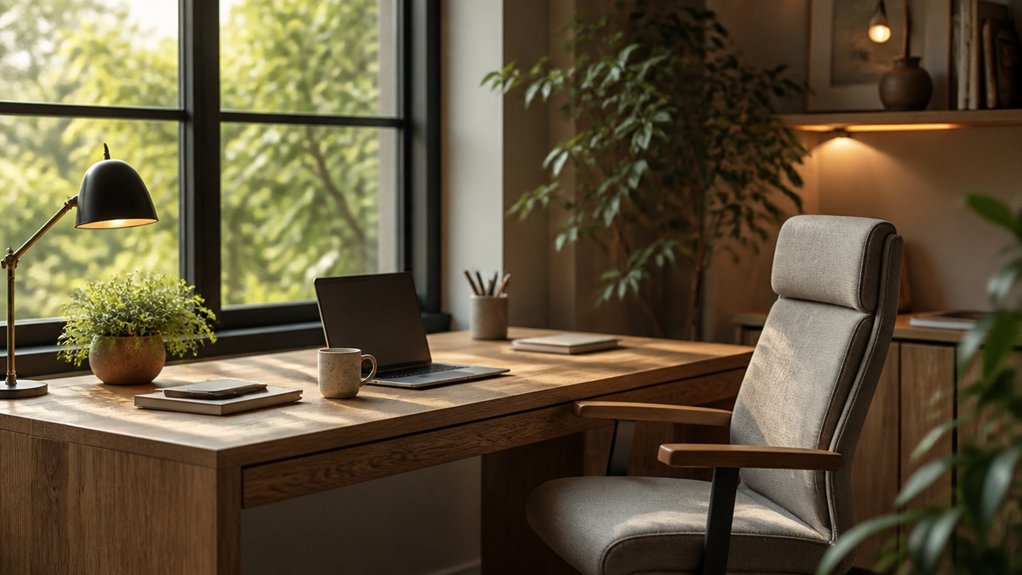

A home office can benefit from a little thoughtful reorganization. Start by measuring your space and placing your desk to make the most of natural light without creating screen glare. Choose an adjustable chair and desk that support comfortable posture, then add task lighting, calming colors, and storage for supplies and cables. Keep decor personal but uncluttered. A few well-planned choices can change how your workspace feels—and the right layout may be closer than you think.
Plan a Home Office Layout for Your Space
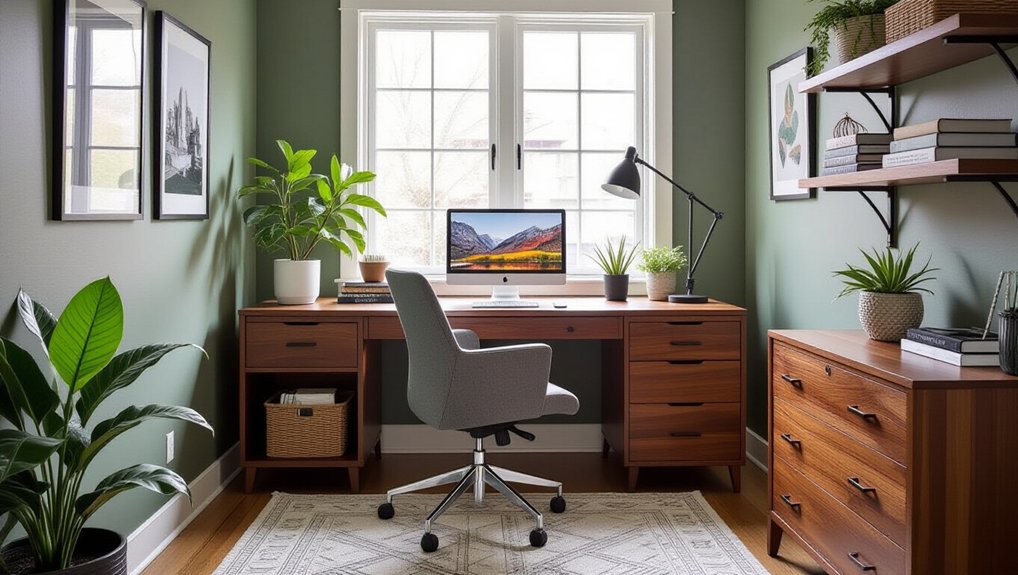
Start by measuring your room, then map out where your desk, chair, storage, and lighting will fit. Mark door swings, windows, outlets, and walking paths before placing anything. Keep frequently used supplies within easy reach, and leave enough clearance to move through the room without shifting furniture.
Use home office zoning to separate focused work from calls, paperwork, or household activity. In a shared room, position your work area away from high-traffic routes and face a wall or window to limit distractions.
Place task lighting where it won’t cast shadows on your work surface, and check that cords won’t cross walkways. Add acoustic treatment, such as a rug, curtains, or wall panels, to reduce echo and soften background noise.
Test your plan with temporary markers before committing to furniture placement. This simple check can reveal tight corners, glare, or noisy spots early.
Choose an Ergonomic Home Office Desk and Chair
Once your layout works, choose a desk and chair that fit both your space and your body. Measure your available area, then select a desk with enough surface for your computer, documents, and daily tasks. Keep frequently used items within easy reach, and leave room to move your legs freely.
Choose a chair that supports your lower back and lets your feet rest flat on the floor. Your knees should sit near a right angle, with your elbows level with the desk when you type. Adjustable furniture helps you match these positions to your height and work style.
If your setup still needs refinement, add ergonomic accessories such as a footrest, lumbar cushion, or keyboard tray. Test each adjustment during a typical work session; comfort should last beyond a quick trial.
Set Up Lighting for Focus and Comfort
Good lighting reduces eye strain and helps you stay focused throughout the day. Position your desk near a window to use Natural light, but place your screen perpendicular to it to limit glare. If sunlight shifts across your workspace, adjust your desk or add a sheer shade to soften it. Don’t rely on overhead fixtures alone; they can create harsh shadows and uneven brightness.
Add task lighting with an adjustable desk lamp so you can direct light onto documents without shining it into your eyes or onto your monitor. Choose a bulb with a neutral white tone, and match its brightness to your room’s ambient light.
At night, turn on both the lamp and a softer room light to reduce contrast. Check your setup from your seated position and reposition fixtures if reflections distract you.
Use Color and Decor to Support Productivity
Choose colors and decor that help you focus without making your workspace feel sterile. Color psychology can guide your palette: use muted blues or greens for a calm atmosphere, or add a restrained warm tone when you want energy. Keep the dominant color easy on your eyes, especially if you spend hours at your desk. Test paint or fabric samples in your room before committing, since daylight and existing finishes can shift how colors appear.
Decorative accents should reflect your taste while supporting concentration. Select one or two meaningful items, such as a small plant, framed print, or textured cushion, and give each a clear place in your visual field. Choose artwork with balanced colors and simple compositions rather than busy patterns.
If an accent distracts you during work, move it out of sight or replace it. Your workspace should feel personal, composed, and ready for focused effort.
Add Storage for Clutter and Cables
A clear work surface starts with storage that gives every supply and cable a place. Choose storage solutions that fit your daily routine: use drawer dividers for pens and chargers, labeled bins for paper, and a shelf or cabinet for reference materials. Keep frequently used items within reach, and move occasional supplies out of sight to reduce visual clutter.
Before buying organizers, measure your desk and identify what needs storing.
Cable management also protects your workspace from tangles and accidental unplugging. Bundle excess cord length with reusable ties, route cables through desk clips or a cable tray, and label adapters at both ends. Keep power strips accessible but secured beneath the desk, away from foot traffic.
Leave enough slack for adjustable equipment, and avoid overloading outlets. A weekly reset helps you return supplies and spot loose cables quickly.
Conclusion
Your home office doesn’t need to look like a showroom; it needs to help you work without turning your back, eyes, or desk into a daily complaint department. Measure your space, choose an adjustable chair and desk, position lighting to limit glare, and keep supplies and cables organized. Add calming colors and a few meaningful details, but resist clutter disguised as inspiration. When every choice supports comfort and focus, you’ll spend less time fixing your office—and more time getting work done.