
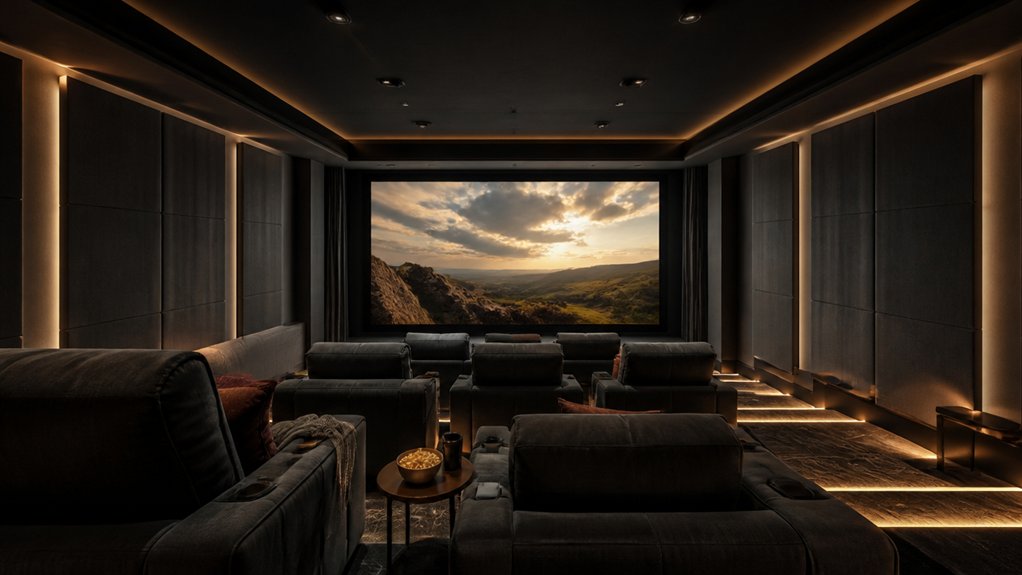

Designing a cinema room is like directing a film: every detail shapes the experience. Start by planning your layout around clear sightlines, comfortable seating, and a screen that suits your viewing distance. Then consider speaker placement, adjustable lighting, and storage to keep equipment organized. The right finishes can also help control sound and reduce glare. Get these choices working together, and your next movie night might feel closer than you expect.
Plan Your Cinema Room Design and Layout
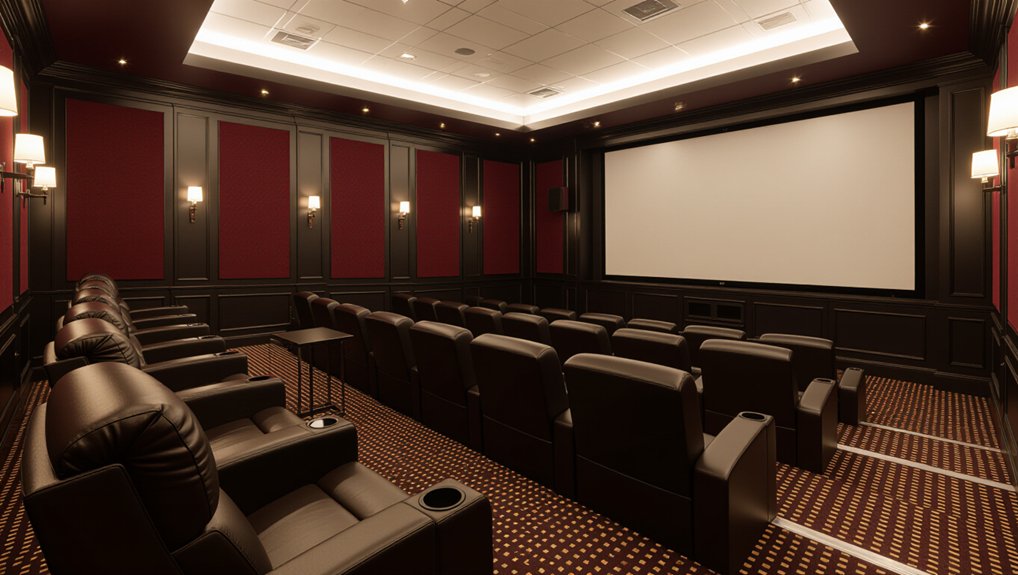
Start by measuring the room’s length, width, and ceiling height, then note the locations of doors, windows, outlets, and any built-in features. Use these details to sketch a floor plan and map clear walking paths before arranging furniture. Position seating to preserve comfortable circulation and keep doors accessible.
Check where daylight enters, and plan curtains or shades to control glare during daytime viewing. Identify hard surfaces that may create echoes; Acoustic treatments, such as thick rugs, fabric panels, and upholstered furniture, can improve sound quality without major renovations.
Choose Color schemes that support a relaxed, cohesive atmosphere, and consider darker finishes where light reflection could distract you. Plan storage for media, blankets, and accessories, and confirm outlets can serve your equipment safely.
Leave room for ventilation, maintenance, and future changes.
Choose a Screen for Your Room and Viewing Distance
Once you’ve mapped the room, choose a screen size that suits both its dimensions and your seating distance. Measure from the screen wall to your primary seat, then compare that distance with the display’s recommended range. A screen that’s too large can make fast action uncomfortable; one that’s too small can hide detail and weaken immersion.
Screen size also depends on resolution: you can sit closer to a 4K display than to a comparable 1080p screen without noticing individual pixels.
Check the Viewing angle from each seat, not just the center. Keep the screen at a height that lets you watch comfortably without tilting your head; the screen’s center should generally align near seated eye level.
If you’ll add multiple rows, test sightlines before choosing a fixed screen or mounting position. Mark the screen’s outline on the wall with painter’s tape.
Set Up Surround Sound and Speaker Placement
With your screen size and seating position set, plan the speaker layout around the main listening seat. Place the left and right speakers at ear level, angled toward you, with the center speaker directly above or below the screen.
Position surround speakers slightly behind and beside your seat; mount them above ear level if the room allows. Put the subwoofer near a front wall, then test another spot to reduce uneven bass.
Keep speakers clear of cabinets and corners unless your system’s guide recommends otherwise. Acoustic treatment, such as thick curtains or wall panels, can tame harsh reflections without making the room feel lifeless.
Run Speaker calibration with the microphone at your listening position, following the receiver’s instructions. Check channel levels and distances, then play a familiar scene to confirm dialogue sounds centered and effects move smoothly.
Arrange Comfortable Seating and Cinematic Lighting
For comfortable viewing, arrange seats so everyone has a clear sightline and enough space to recline without blocking walkways. Place the front row far enough from the screen to prevent neck strain, then elevate rear seats with a platform if needed.
Choose theater recliners with supportive headrests, adjustable footrests, and durable upholstery; measure each seat’s full recline depth before setting spacing. Keep aisles clear, and leave room for people to enter without disturbing viewers.
Use layered ambient lighting to preserve visibility while keeping the screen dominant. Install dimmable, warm-toned lights along side walls or behind seating, and aim them away from the screen to prevent glare.
Add low-level step lights for safe movement, controlled separately from overhead fixtures. Test brightness from every seat, then adjust levels until you can navigate comfortably without washing out dark scenes.
Add Smart Storage and Home Cinema Decor
After setting the seating and lighting, plan storage and decor to keep the room tidy without distracting from the screen. Smart storage starts with equipment: choose a ventilated media cabinet with cable openings, adjustable shelves, and space for streaming devices, game consoles, and discs.
Keep remotes in a labeled drawer or a small tray near your seats, so you can find them quickly. Use closed cabinets to hide clutter, but leave receivers accessible for airflow and maintenance.
For home decor, add a few framed film prints, a display shelf for collectibles, or acoustic panels in colors that suit your room. Limit reflective surfaces near the screen; they can bounce light and pull your attention away from the picture.
Choose washable fabrics and sturdy finishes that handle regular use. Keep walkways clear, and store blankets in a lidded basket within easy reach.
Conclusion
With careful planning, you can create a cinema room that feels both polished and personal. Position your screen for comfortable viewing, place and calibrate speakers for balanced surround sound, and arrange supportive seating with clear sightlines. Add dimmable lighting to reduce glare, plus smart storage to keep equipment tidy. Choose durable finishes and decor that suit your style. When every detail works together, your home theater becomes a cozy, mesmerizing space for unforgettable movie nights.